

The Top 5 Best Legal Timekeeping Tools in 2026
Discover the top 5 legal timekeeping tools in 2026 to help law firms maximize billable hours and improve time tracking efficiency.
January 6, 2026Not All Hours Get Billed
The financial impact compounds quickly. Firms lose between 10 and 30% of potentially billable time when entries are postponed or reconstructed from memory. For a single attorney, that's $20,000 to $40,000 in annual revenue leakage.
Why Traditional Timekeeping Tools Fail
The legal industry has relied on the same basic approach for decades: start-stop timers and manual time entry. These tools assume lawyers work in neat, uninterrupted blocks. Reality looks nothing like that.
A typical attorney's day involves rapid context switching across client emails between court filings, phone calls interrupting research, Teams messages about urgent matters. Each activity is billable but falls through the cracks because remembering to start and stop a timer every time is cognitively exhausting.
Even the best manual systems share fundamental limitations:
Can modern technology help?
Yes. 2025 marked the shift from reactive to proactive timekeeping becoming widely accessible.
Modern tools capture billable activity automatically, as it happens. You send an email and it's logged. You join a video call and the duration is tracked. You take a phone call and the time is recorded and the contact matched to your client database. All without touching a timer or remembering to make an entry.
All your digital activity is proactively monitored in real-time and converted into draft time entries automatically. You review and approve instead of trying to remember and reconstruct.
What This Guide Covers
This guide reviews five proactive timekeeping tools but does NOT include traditional timers or manual entry systems. Each tool is subtly but meaningfully different. The right choice depends on where your billable time gets lost.
1. Billables AI
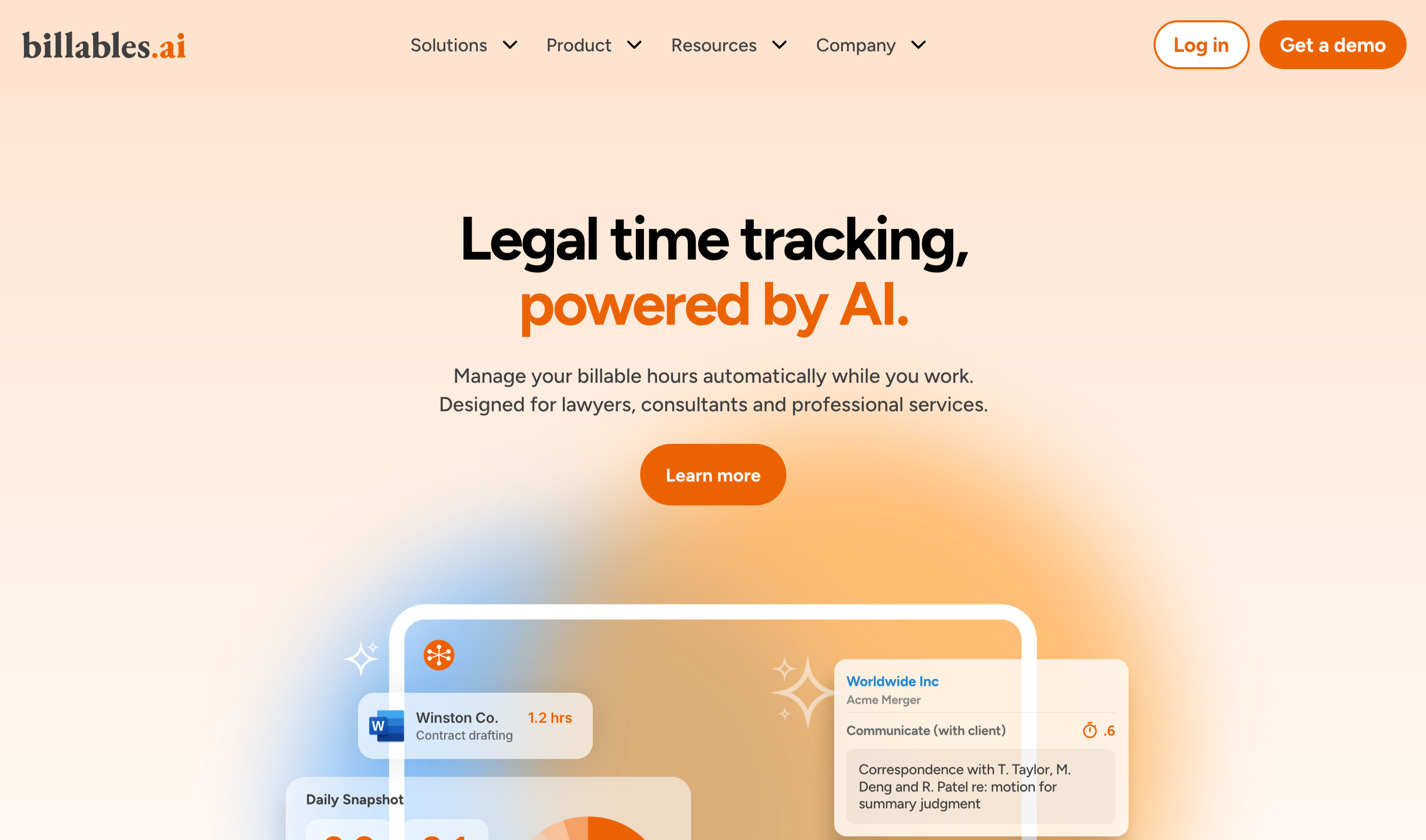
Fully automated activity monitoring for attorneys whose billable work happens inside productivity applications. Auto-generates time entries with narratives, matter matching, and client billing guideline compliance.
What It Captures
Desktop, laptop, and mobile activity across connected applications (document editing, email, browser work, video meetings, calendar events).
How It Works
API-based activity monitoring (no screenshots). Tracks time in connected applications, auto-assigns to matters, generates narratives. Entries appear in a daily dashboard for review before export.
Privacy & Security
User-controlled data sharing. You review and approve entries before anything leaves the platform. Client billing guidelines checking ensures entries meet specific requirements before export.
Pricing
Starts from $39 per user per month.
Integrations
2. Lawgbook
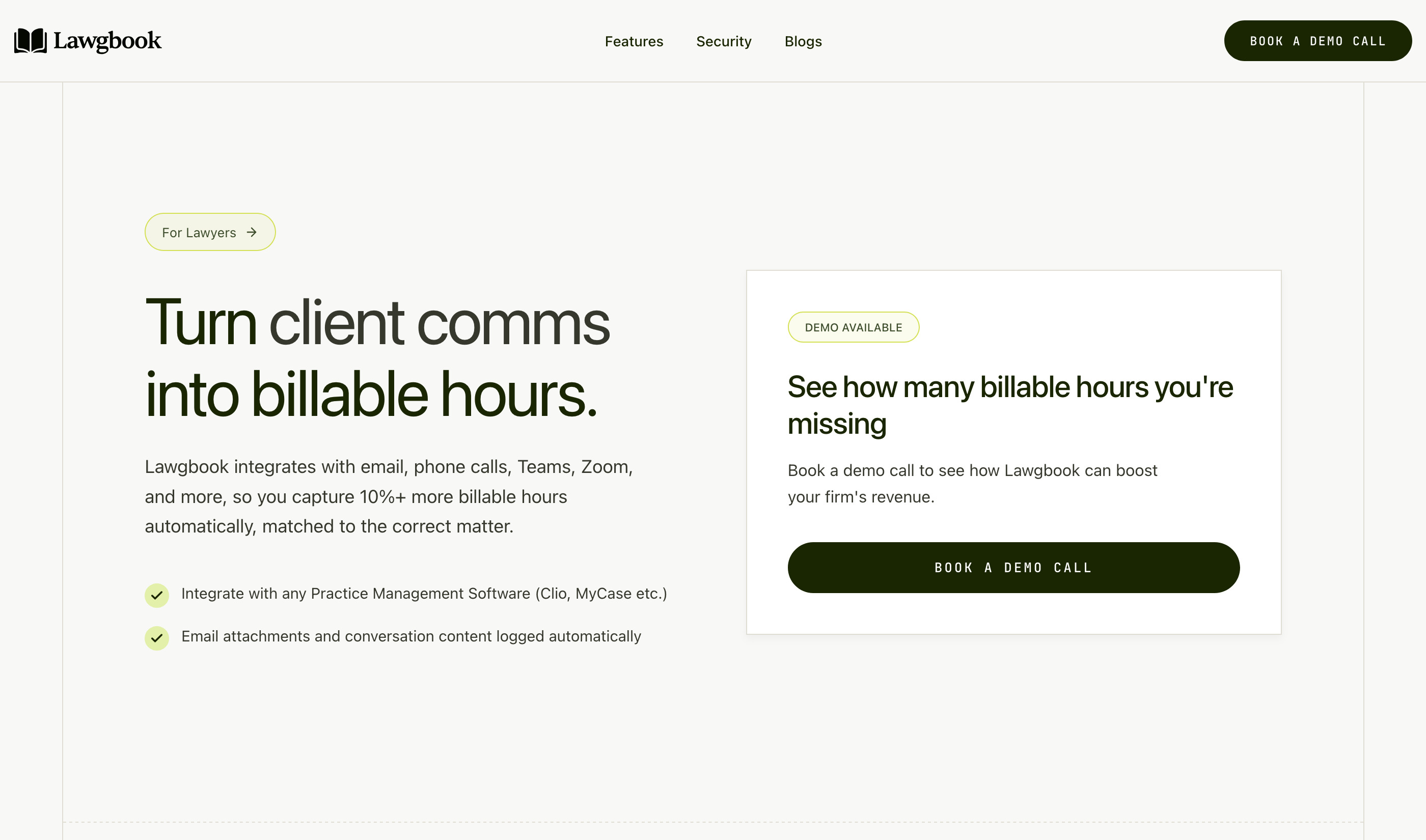
Communication tracking that plugs into your existing timekeeping system. Not a replacement but an enhancement that captures every billable email, call, and message you'd otherwise miss. Best for firms who already have timekeeping but lose hours in client communications.
What It Captures
Communications only: email, phone calls, video conferencing, messaging apps. No desktop monitoring, no screen capture. Preserves conversation content and attachments for compliance and audit trails.
How It Works
API-based integration with communication platforms. Automatically matches communications to clients and matters in your practice management software. Creates time entries using your firm's billing increments and rates. You review and approve.
Privacy & Security
No desktop surveillance. Only captures communications through secure API connections. Full data encryption in transit and at rest. Data deleted every 30 days. Separate database instance for each firm.
Pricing
Starts from $29 per user per month.
Integrations
3. Ajax
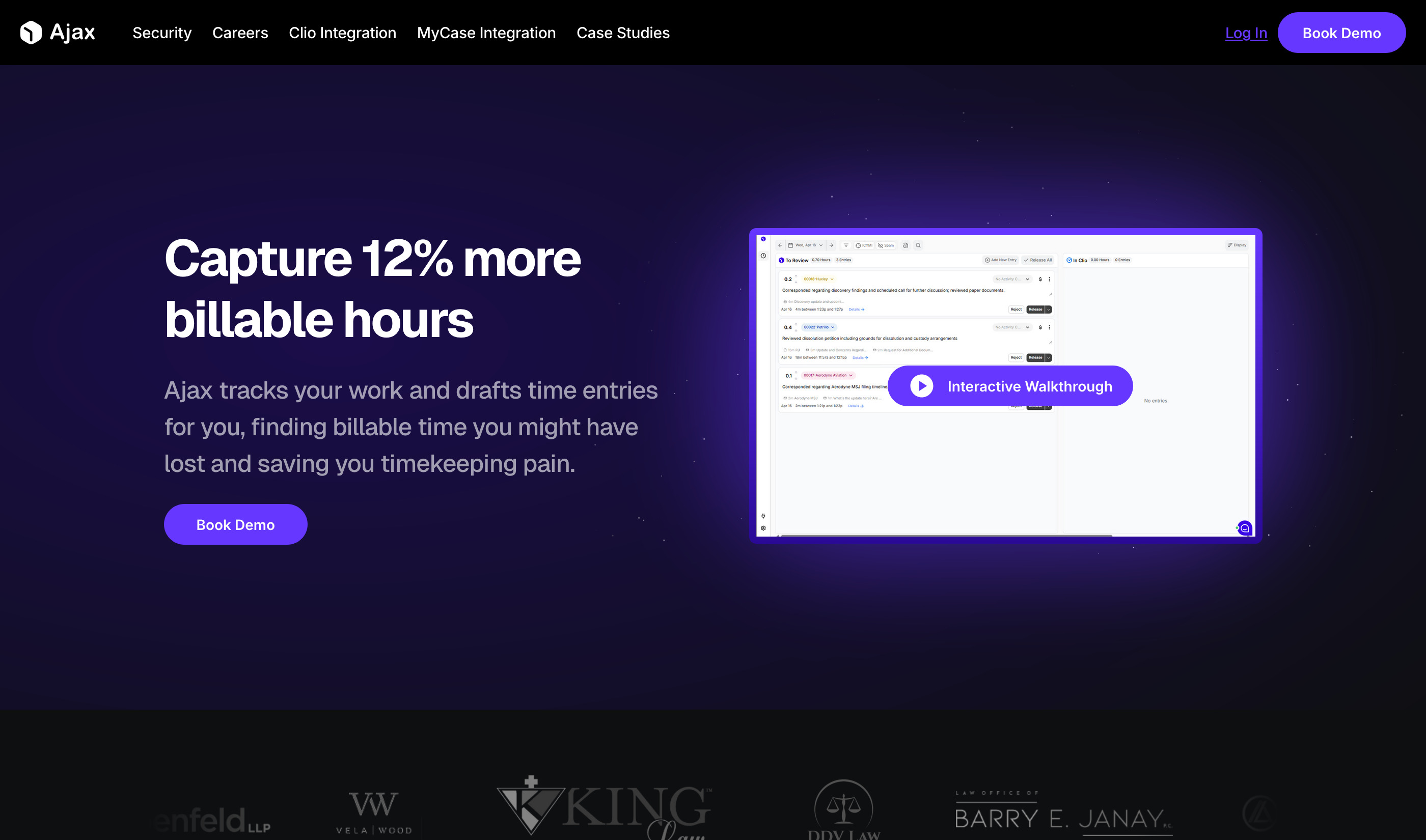
Real-time screen monitoring that surfaces polished time entries as you work. Fully automated with entries appearing throughout the day, not just at day's end. Best for attorneys who task-switch frequently and need every 0.1 captured without manual entry.
What It Captures
Screen activity across all desktop apps.
How It Works
Screen monitoring with real-time processing. Drafts client-ready narratives with matter and activity codes while you're still working. Single-click review and sync to your billing system.
Privacy & Security
SOC 2 compliant. Data deleted monthly. No training on your data. You alone control what gets released to billing—entries stay private until you export them.
Pricing
Contact for pricing.
Integrations
4. TIQ Time
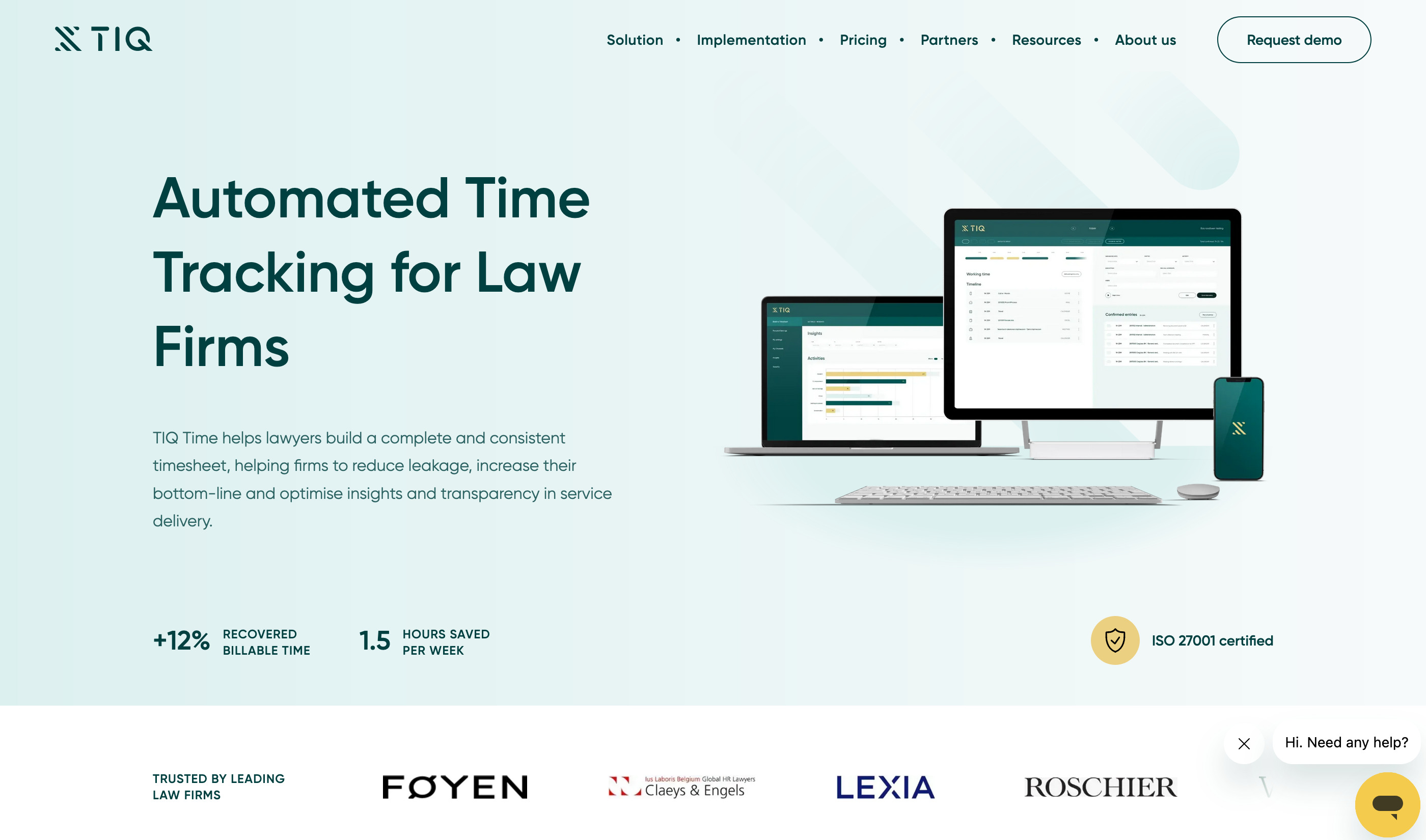
Enterprise solution for mid-to-large law firms. European-headquartered (Amsterdam) with structured 4-week implementation and dedicated customer success. Best for firms needing compliance certifications, multilingual support, and Power BI reporting.
What It Captures
Document drafting, emails, meetings, and desktop activities through Office 365 and document management system integrations. VOIP/phone integration available.
How It Works
Automated time capture processes daily input into suggested entries. Narrative builder with templates ensures Outside Counsel Guidelines compliance. You confirm, edit, and export. Includes multilingual support for all European languages.
Privacy & Security
ISO 27001 certified. GDPR compliant. Hosted on Microsoft Azure (Amsterdam/Dublin data centers). AES-256 encryption. Full audit logging.
Pricing
Starts from $36 per user per month.
Integrations
Office 365, Teams, Outlook, Word, Excel, Chrome, Zoom, VOIP/Phone, Document Management systems | Offers custom support to integrate other practice management and work tools
5. Memtime
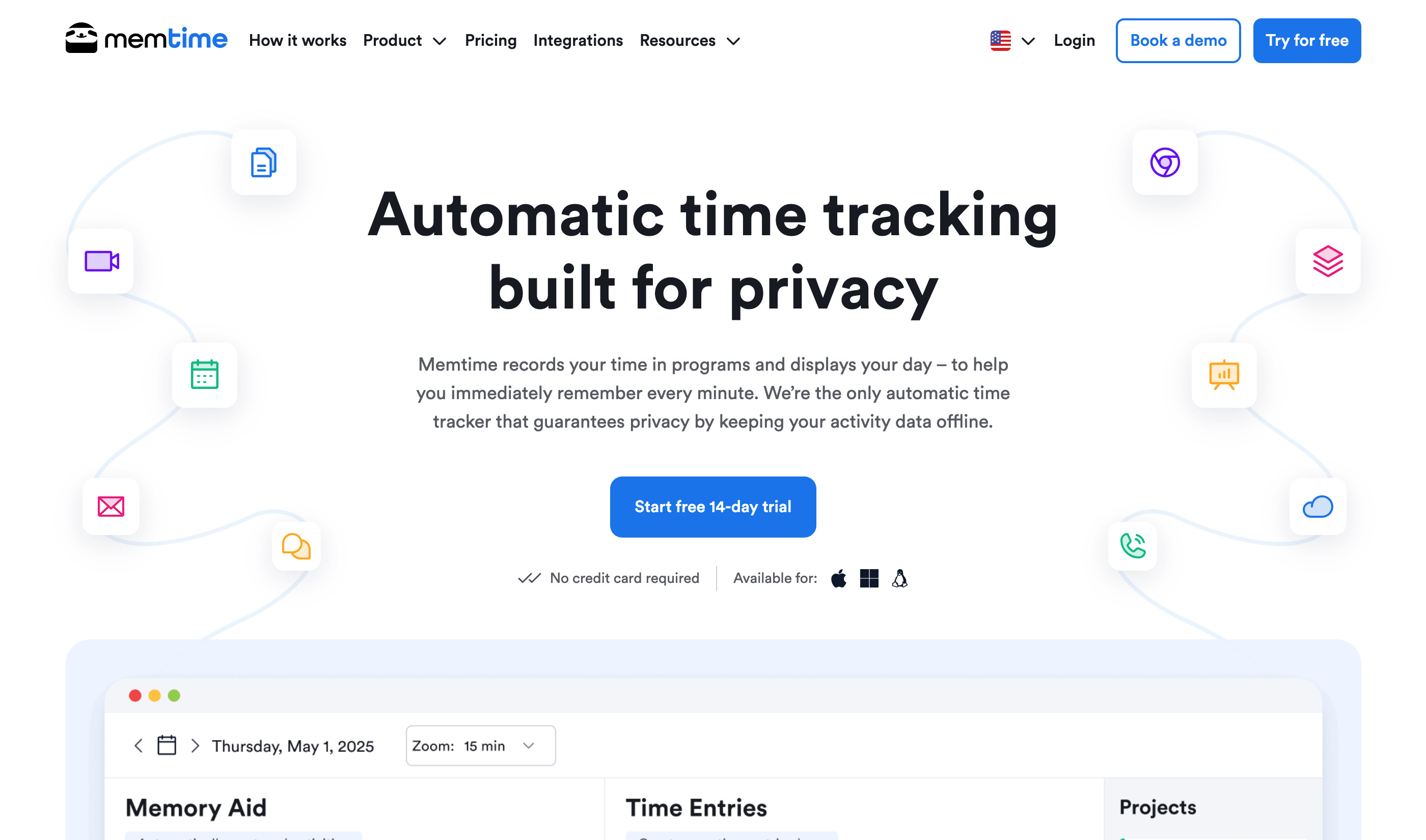
Privacy-first desktop tracker with offline-only architecture. All data stays on your device. Semi-automated: creates a visual timeline you use to build entries manually. Best for privacy-conscious professionals who want activity recall without surveillance trade-offs.
What It Captures
Every program, document, email, video call, meeting, and browser tab on your desktop. Tracks the active foreground window across all applications.
How It Works
Fully offline activity recording. Data stored exclusively on your device. Creates a visual timeline of your day. You manually create time entries from the timeline and export when ready. More "memory aid" than auto-generated timesheets.
Privacy & Security
Activity data never leaves your device. No server storage, no cloud sync of tracked activities. Delete individual activities or clear entire timeline anytime. German-engineered.
Pricing
Starts from $12 per user per month.
Integrations
Works with any program on Windows, macOS, Linux | Exports to Xero, QuickBooks, Freshbooks, and Clio
Quick Comparison
| Tool | Capture Method | Privacy Model | Automation | Pricing | Best For |
|---|---|---|---|---|---|
| Billables AI | API-based activity monitoring | User-controlled, no screenshots | Full | From $39/user/mo | Desktop-heavy workflows |
| Lawgbook | Communication APIs | No desktop surveillance, 30-day deletion | Full | From $29/user/mo | Firms losing hours in comms |
| Ajax | Screen recording | SOC 2, monthly data deletion | Full | Contact for pricing | Frequent task-switchers |
| TIQ Time | Office 365 + DMS integration | ISO 27001, GDPR | Full | From $36/user/mo | Enterprise/compliance needs |
| Memtime | Local desktop tracking | Offline-only, on-device | Semi | From $12/user/mo | Privacy-conscious professionals |
Choosing the Right Tool
The best timekeeping tool depends on where your billable time actually gets lost.